No registration or online enquiry submission. Your team chooses when to send.
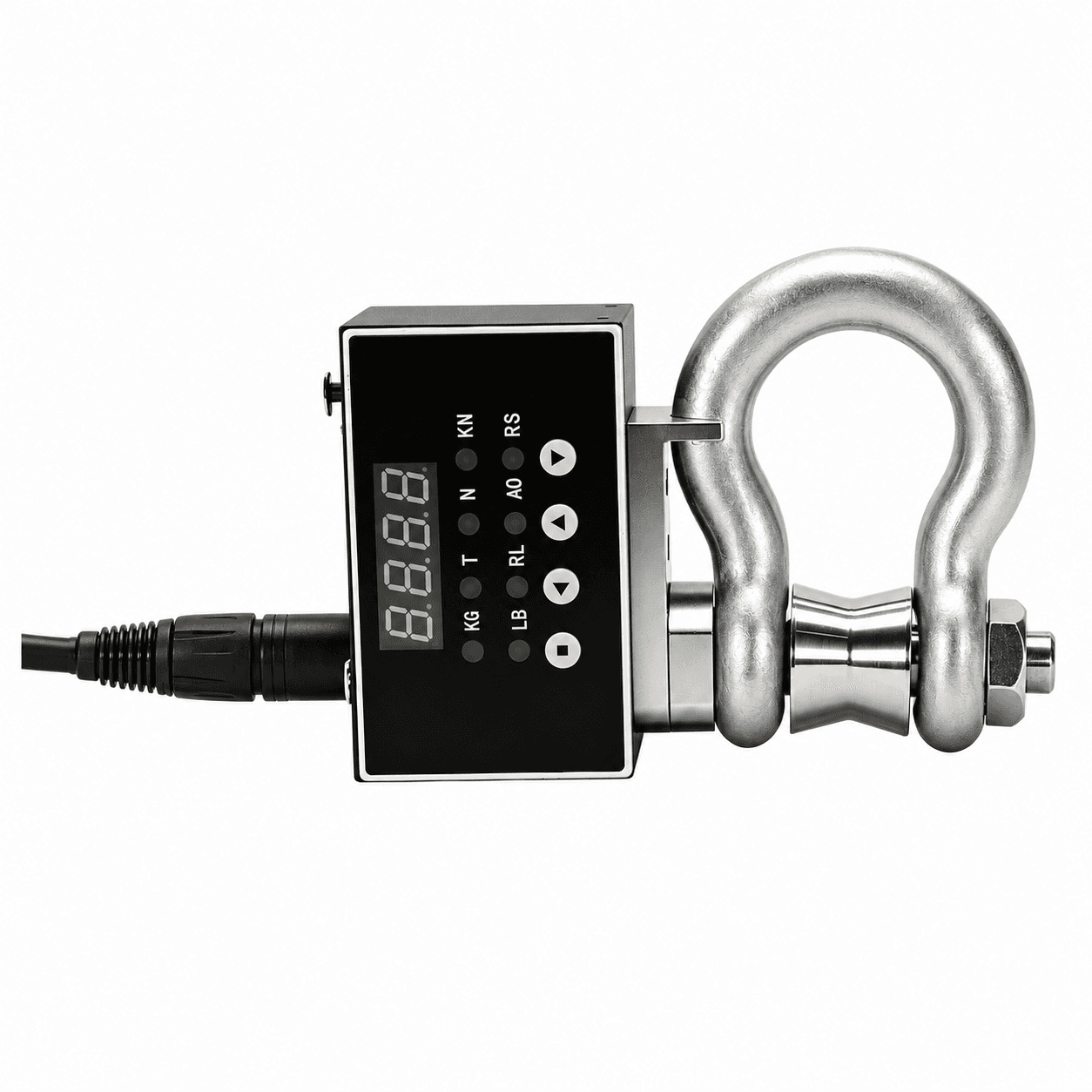
Define the assembly and measurement chainSupplier-source local-indicator configuration reference. Select the actual body, pin, output and compatible readout together in your request; the photo does not confirm the supplied rating or interface.
Start with the real connection.
For an instrumented shackle, include the mating eye, hook contact width, articulation and available envelope. For a custom joint, use the D/L/A/B/C references from an existing drawing and identify unresolved fits.
A depth requirement does not define an electrical interface. State the signal, cable or wet-mate arrangement and the readout or receiver it must reach. Above-water radio and underwater communication need different reviews.
Specify calibration, structural proof, NDT, material records and third-party witnessing separately. An option in an RFQ requests a review; it does not prove that a rating or certification already exists.
Sensing-pin references for the existing joint drawing
Product references show the visible hardware and connection arrangements. Capacity, material grade, environmental rating and electrical matching are confirmed for the quoted assembly.
Flanged sensing pinSupplier-source image, edited on white. Configuration reference; final geometry, rating and interfaces require the approved assembly specification.
Sensing pin with integral portSupplier-source image, edited on white. Configuration reference; final geometry, rating and interfaces require the approved assembly specification.
BEFORE YOU ISSUE THE RFQ
Sending drawings, copying RFQs and agreeing confidentiality
Does this page send my specification automatically?
No. The worksheet prepares an RFQ in your browser. Open it in your email app or copy the full text, add drawings in that app, and decide when to send it.
Can I request confidentiality before sharing CAD?
Yes. Review the unsigned mutual NDA draft, complete the legal entities and agreed terms, and obtain authorized signatures before confidential disclosure. You may propose your own NDA. Selecting the checkbox does not execute an agreement.
What if my browser does not have an email app configured?
Use Copy email and Copy RFQ, then paste them into your webmail or existing project thread. If clipboard access is unavailable, the full text remains selectable.
Does a selected output or document confirm the product rating?
No. WLL, geometry, signal matching, environmental suitability and documentation are requested specifications. The accepted quotation and approved assembly documents define the final supply.
Keep the worksheet with the project thread.
Prefer an offline starting point? Download the assembly or custom-joint worksheet, complete the known values and attach it to your email.